About Risly
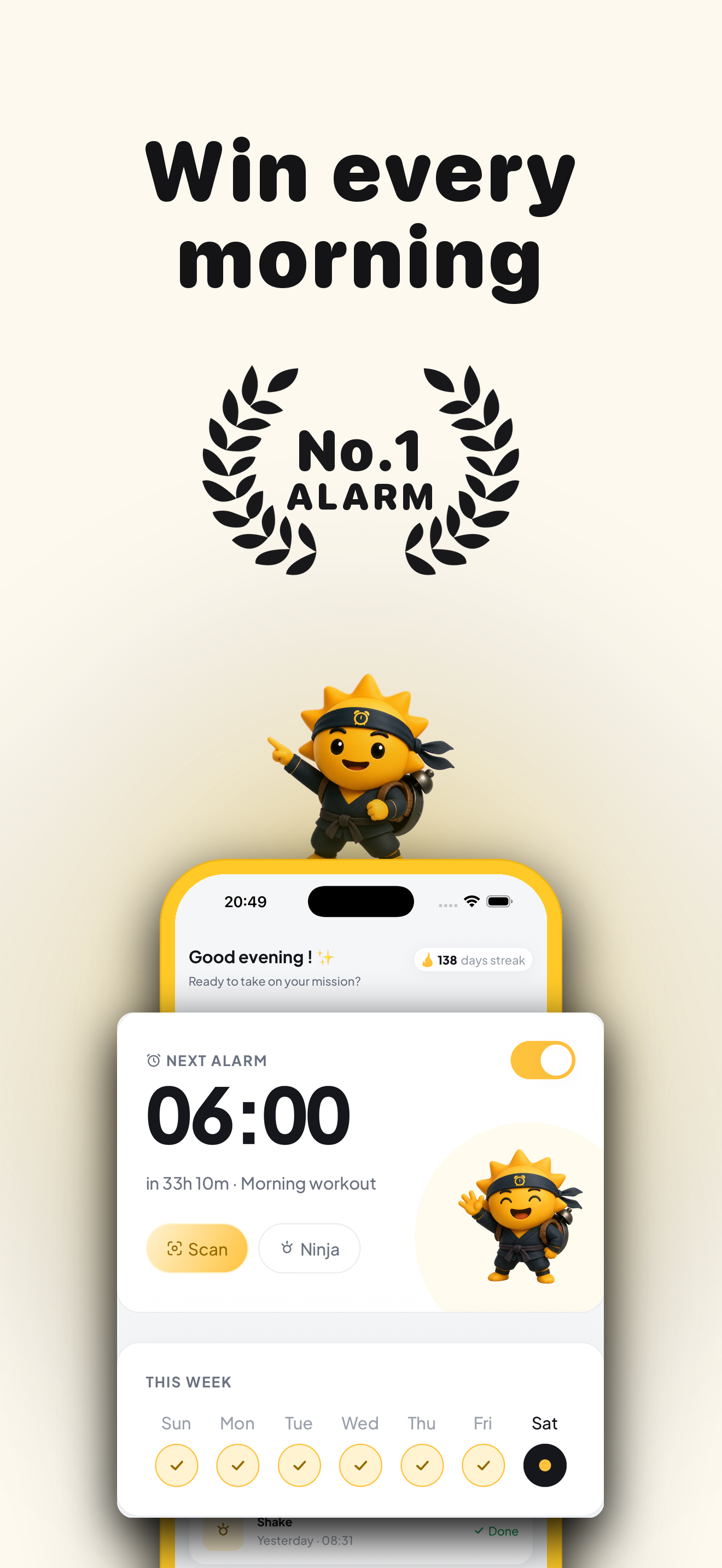
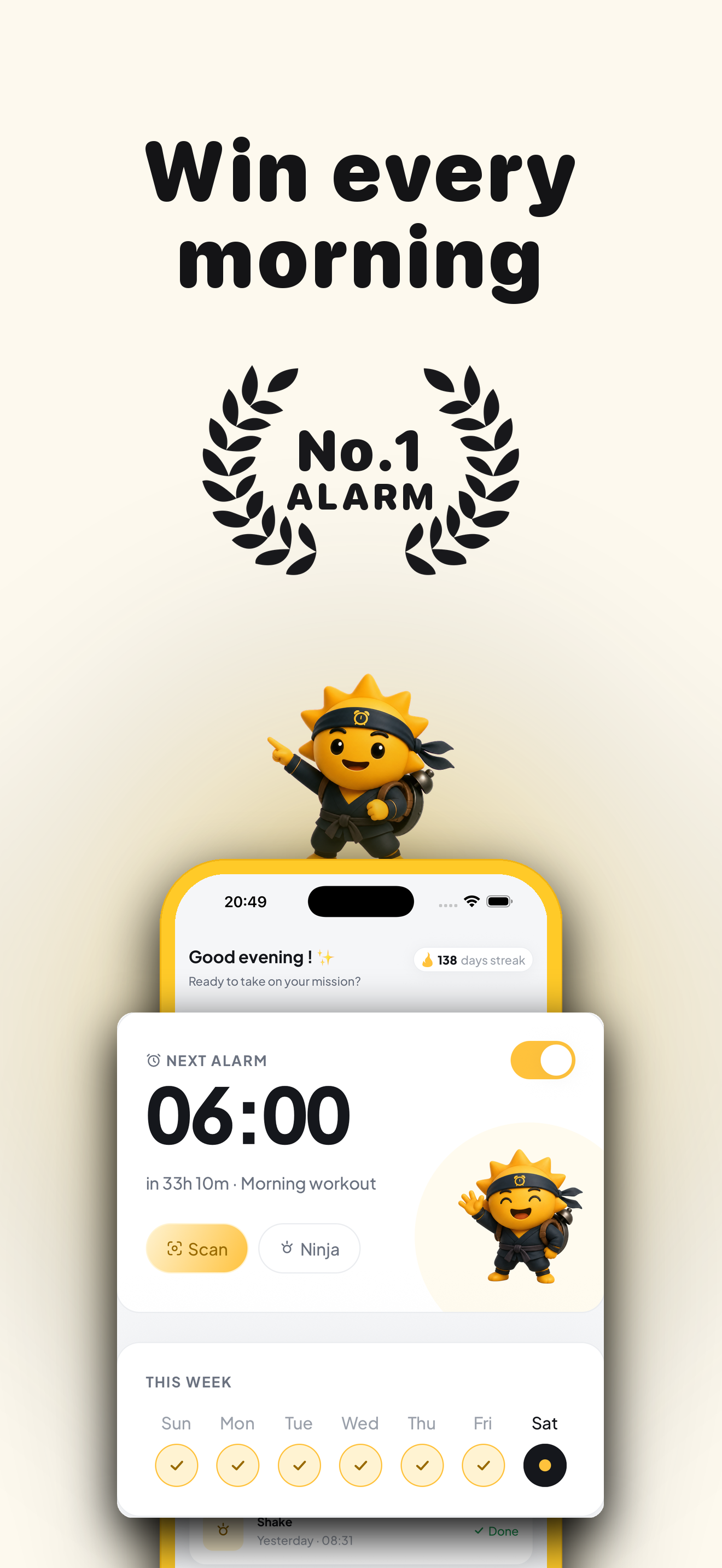
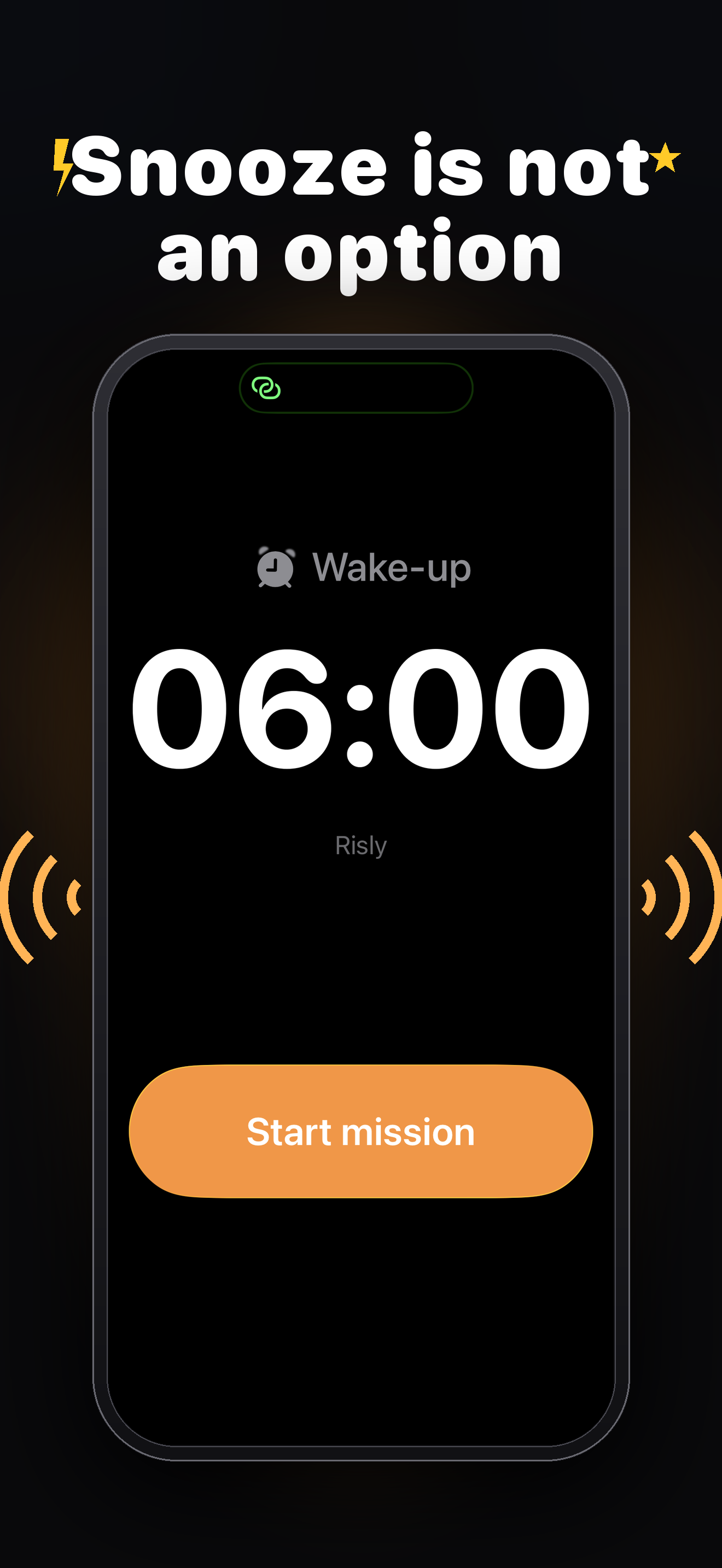
Risly is an anti-snooze alarm app for iPhone designed for people who struggle to wake up in the morning. Instead of letting you hit snooze over and over again, Risly makes you complete a mission before the alarm can be turned off.
The idea is simple: if you have to get out of bed and do something, you're much less likely to fall back asleep.
How it works
- Set your alarm and choose a mission.
- When the alarm rings, complete the mission.
- The alarm stops only after the mission is finished.
By the time you're done, you're awake and ready to start your day.
Wake-Up Missions
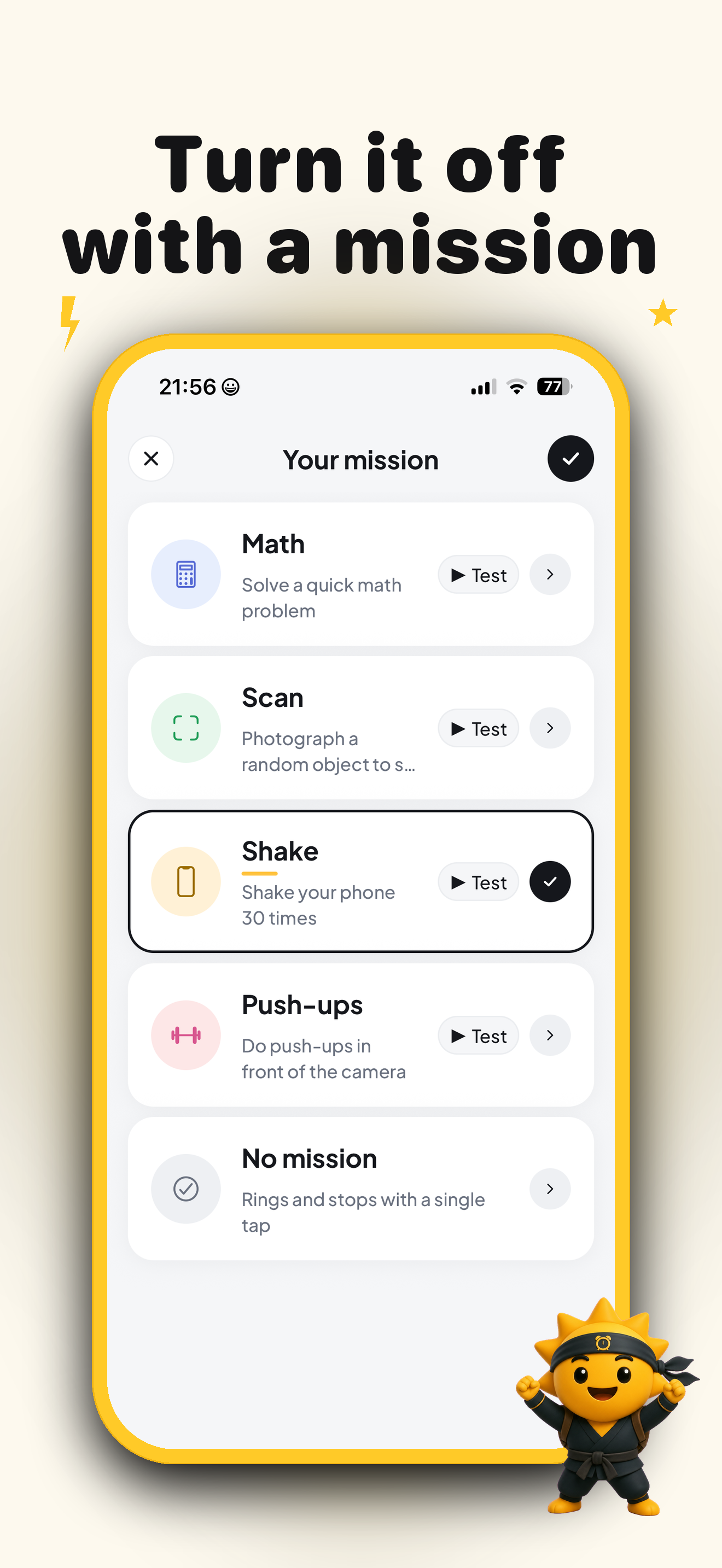
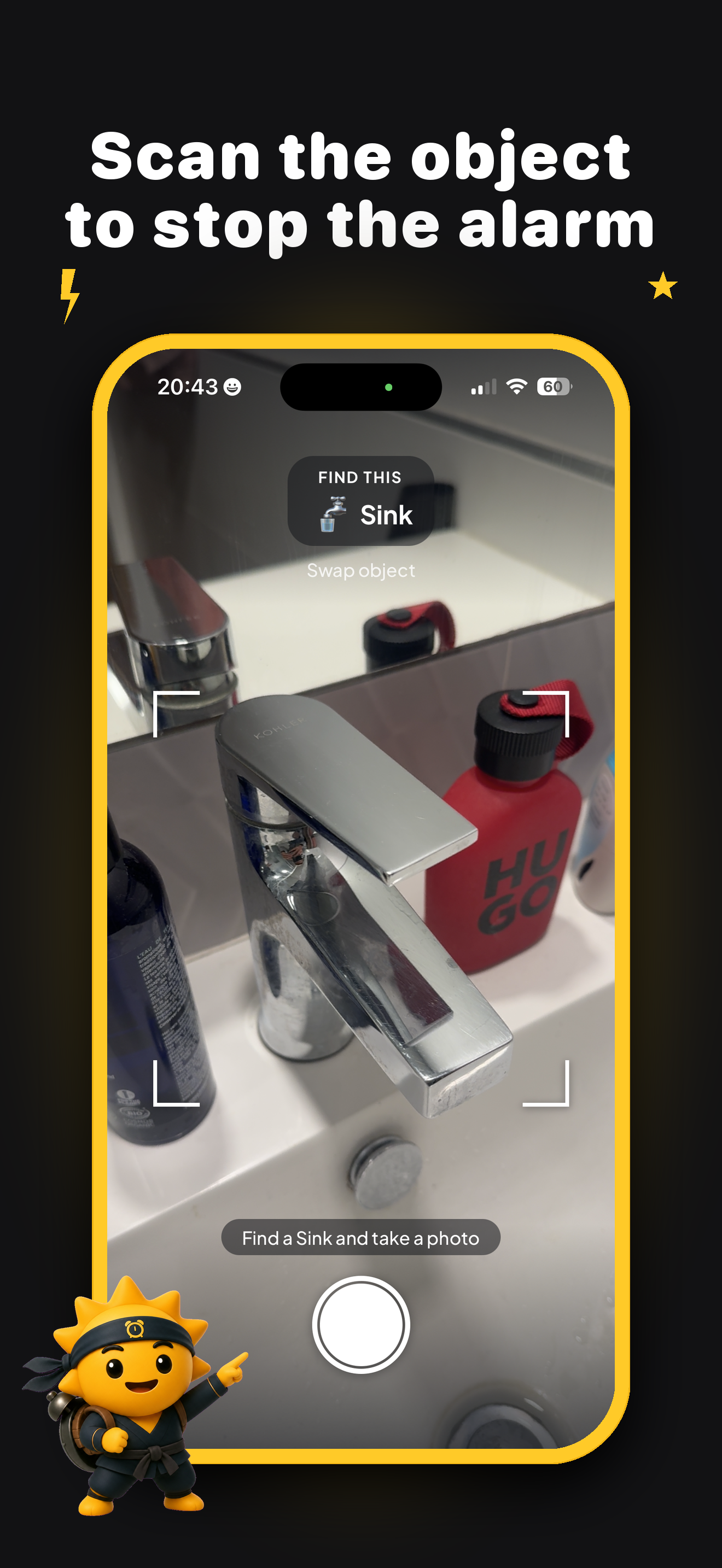
📸 Scan an Object
Take a photo of a real object, such as your coffee machine, toothbrush, or bathroom sink. This gets you out of bed and moving.
🧠 Solve Math Problems
Answer math questions to wake up your brain and improve alertness.
📱 Shake Your Phone
Shake your phone a certain number of times to stop the alarm.
💪 Do Push-Ups
For the heaviest sleepers, complete a set of push-ups before the alarm will turn off.
More missions and challenges are regularly being added.
Why Risly?
- No snooze button.
- Designed for heavy sleepers.
- Rings through Silent Mode, Focus Mode, and Do Not Disturb.
- Tracks your wake-up streaks and progress.
- Helps build better morning habits.
- Simple, fast, and designed specifically for iPhone.
Progress & Streaks
Every successful wake-up adds to your streak. Risly tracks:
- Consecutive mornings you've woken up on time.
- Average wake-up time.
- How quickly you complete missions.
- Your favorite mission types.
The goal isn't perfection—it's building consistency and making mornings easier over time.
Frequently Asked Questions
What if I need to sleep in?
You can disable or change an alarm before it goes off. Risly is designed to help you stick to your schedule, not punish you.
Does it work in Silent Mode and Focus Mode?
Yes. Risly is built to ring even if your phone is in Silent Mode, Focus Mode, or Do Not Disturb.
Can I snooze the alarm?
No. There is no snooze button in Risly.
What devices are supported?
Risly is available for iPhone and requires iOS 26 or later.
Can I just close the app?
No. The alarm is designed to keep you engaged until the mission is completed.
Is my data private?
Yes. Your data and statistics remain private and are used only to power the app's features and improve your experience.
Does the app support multiple languages?
Yes. Risly supports 18 languages.
Is there a free trial?
Yes. Risly includes a free 3-day trial so you can see if it works for your mornings.
Who is Risly for?
Risly is perfect for:
- Heavy sleepers
- Chronic snoozers
- Students
- Professionals
- Anyone trying to build a consistent morning routine
Why is it called an anti-snooze alarm?
Because the entire app is built around one idea: remove the snooze button and make waking up an action instead of a decision.
No reviews yet — be the first!
Discussion
Join the conversation
Sign in or create a free account to leave a comment.
Analytics
Unique visitor trends for Risly
No comments yet. Be the first to share your thoughts!