
HD Photo Converter
AI-Powered HD Photo Conversion — Free, Fast, No Watermark
About HD Photo Converter
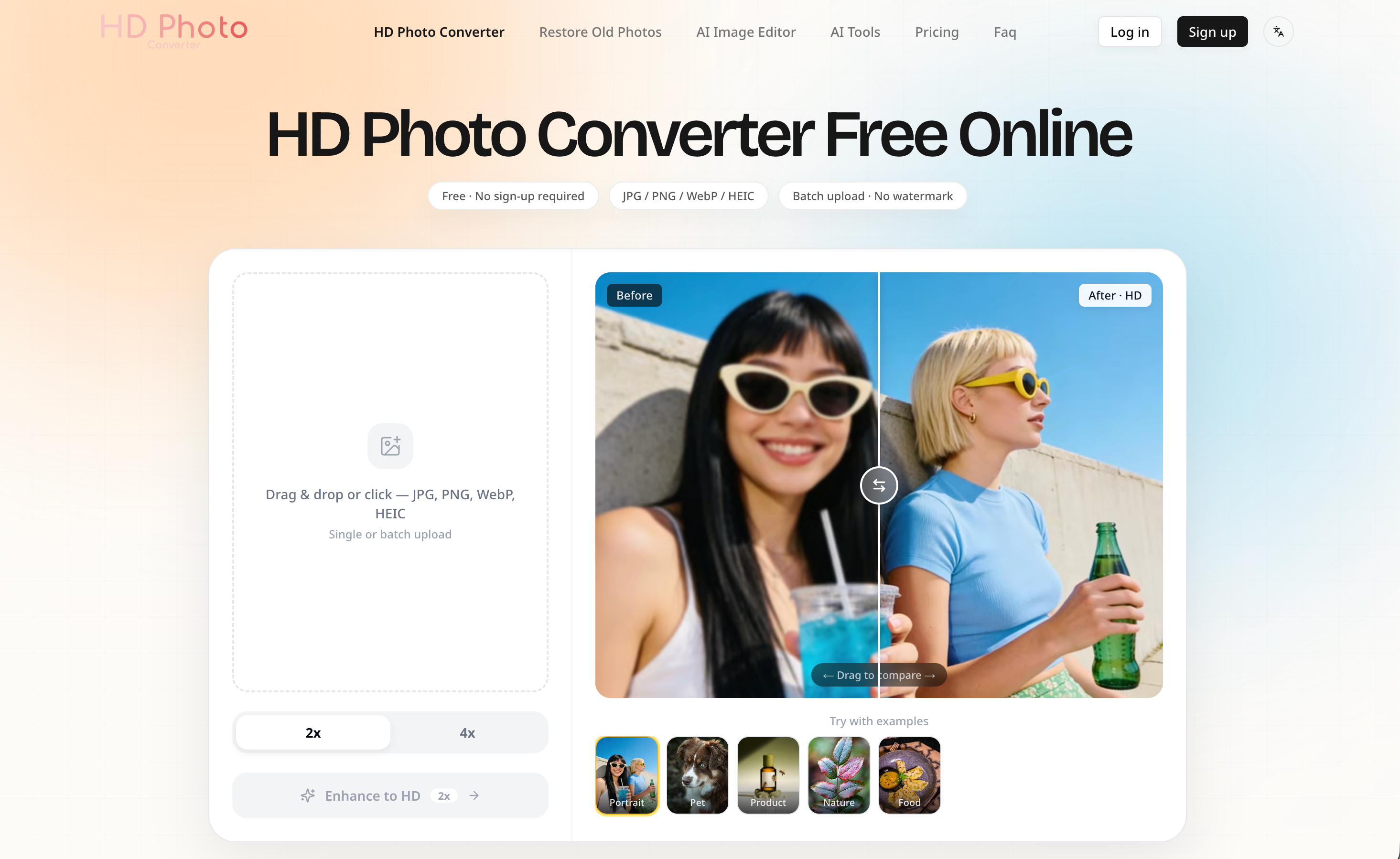
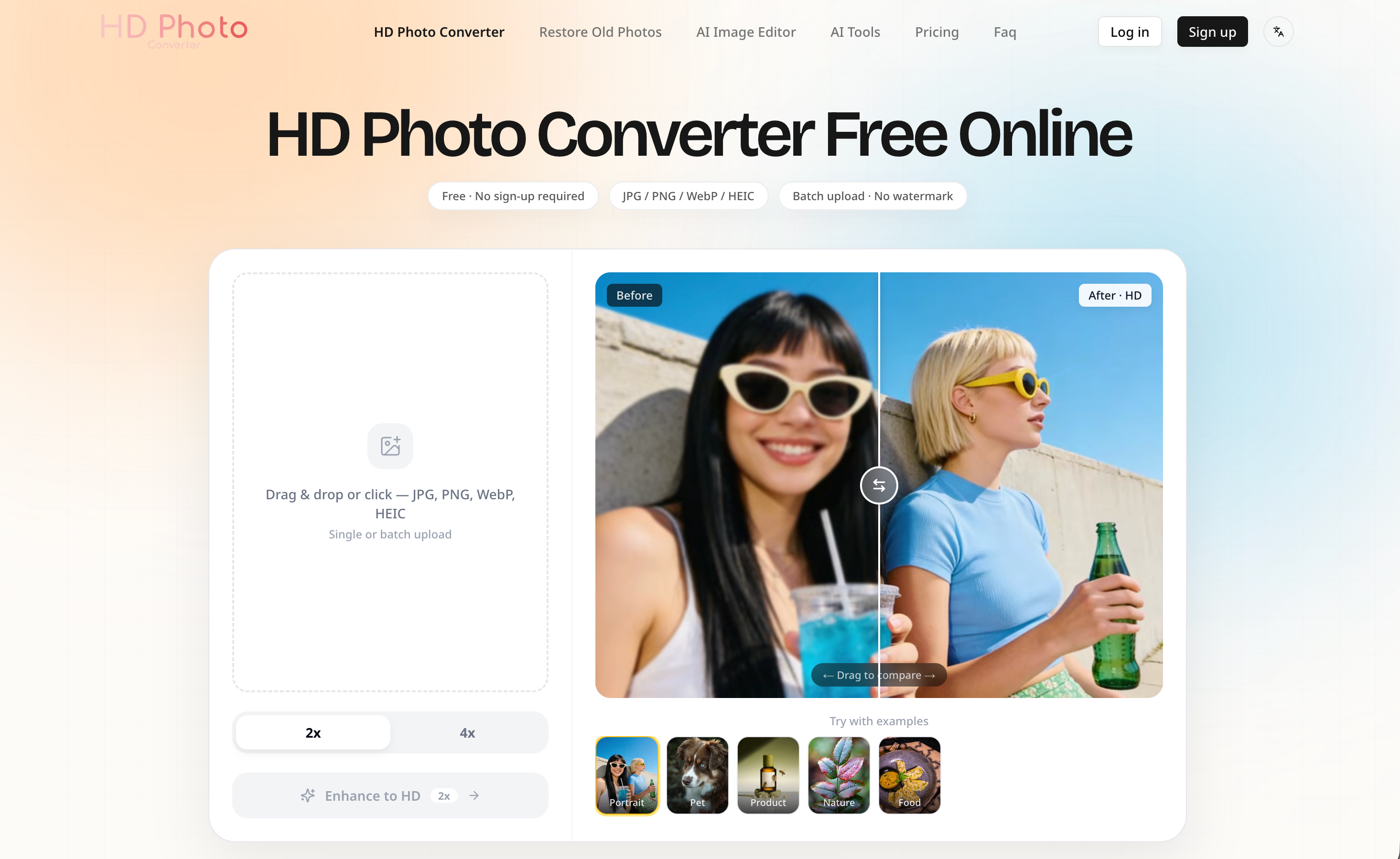
HD Photo Converter is a free online AI-powered tool that transforms any photo into sharp, high-definition quality in seconds. Unlike basic resizing tools that simply stretch pixels and leave you with a bigger but still blurry image, our AI neural network analyzes your photo's structure — edges, textures, patterns, and colors — and reconstructs the missing details that make an image truly high resolution. The result is not just more pixels; it's a genuinely clearer, crisper photo you can use professionally.
Getting started takes no effort. Upload a JPG, PNG, WebP, or HEIC file, and the AI handles everything automatically — detecting compression artifacts, reducing noise, recovering fine textures, and outputting a clean HD image in 5 to 15 seconds. There is no software to install, no account required to try it, and no watermark on your output, even on the free plan. Every photo you upload is automatically deleted from our servers immediately after processing; we never store your images or use them for AI training.
The free plan supports up to 2x upscale, delivering crisp 1080p HD quality suitable for social media, online stores, and everyday use. Pro users unlock 4x upscale for 4K Ultra HD output, ideal for large-format printing, professional portfolios, and commercial work. Batch processing lets logged-in users convert multiple photos in one go — perfect for product catalogs, event albums, or restoring entire collections of old family pictures.
HD Photo Converter is built for real-world use. E-commerce sellers use it to turn low-quality supplier photos into sharp product images that sell. Photographers and designers use it to prepare print-ready assets at 300 DPI without spending thirty minutes per image in Photoshop. Social media creators use it to polish phone photos before posting. And anyone with old, blurry, or compressed images — decades-old family scans, grainy phone shots, downloaded memes — can restore them to clarity in seconds.
No sign-up walls. No watermarks. No software downloads. Just upload a photo, let AI enhance it, and download your HD result. That's it.
No reviews yet — be the first!
Discussion
Join the conversation
Sign in or create a free account to leave a comment.
Analytics
Unique visitor trends for HD Photo Converter
No comments yet. Be the first to share your thoughts!